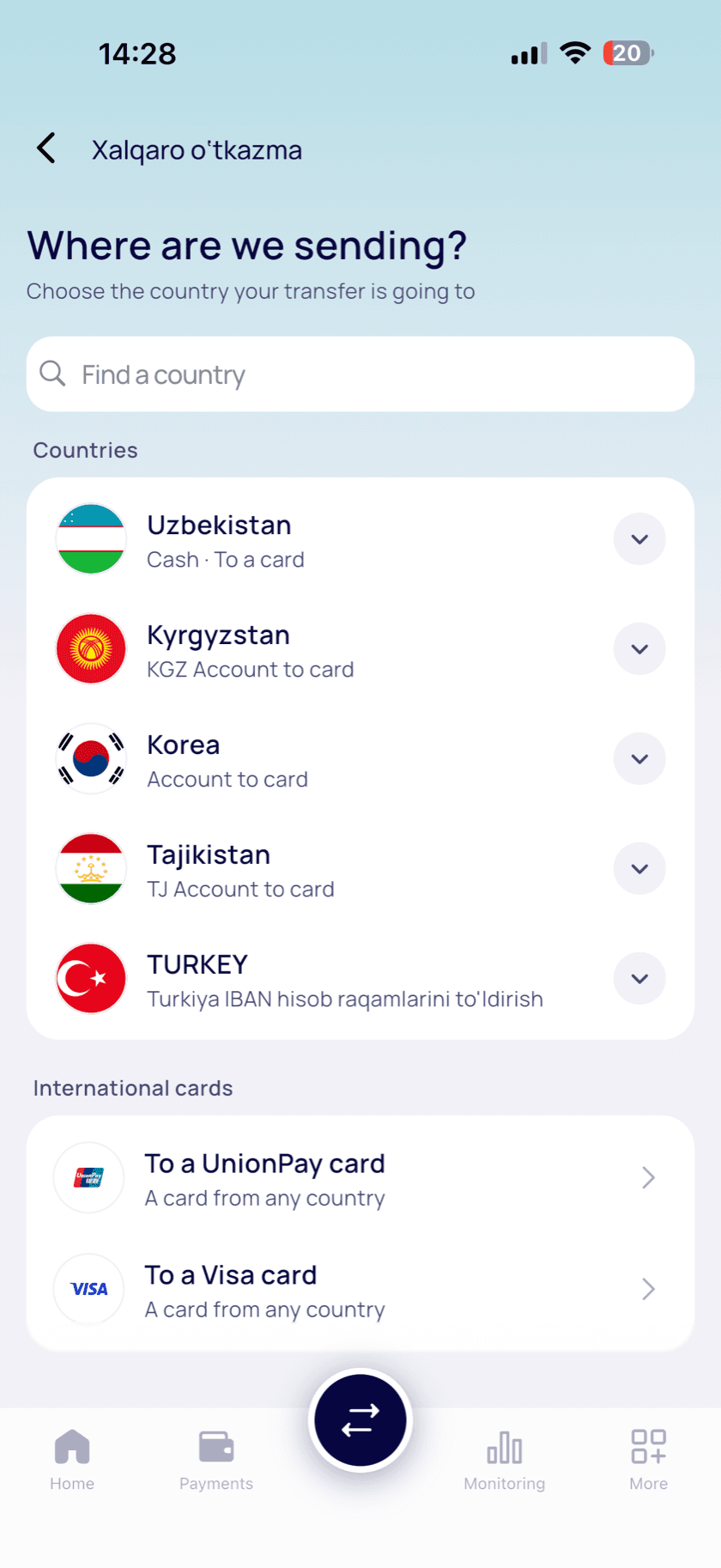

Transfer to a card
Money goes straight to the recipient’s card in Uzbekistan.





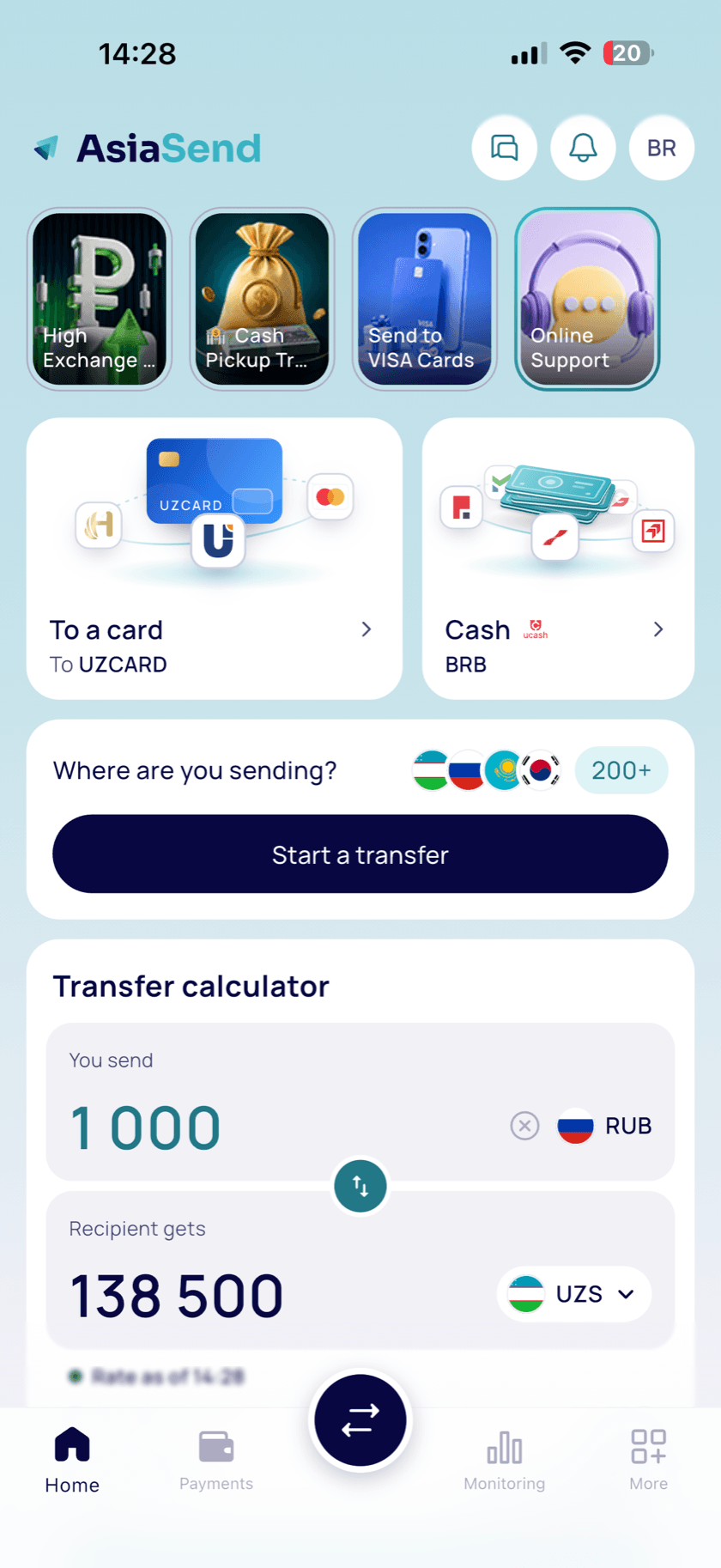
Send money with AsiaSend — easy, fast and without switching between apps. To a card or as cash at a bank.
 RUB
RUB UZS
UZSEstimate only. The final rate and fee are shown in the app before you confirm.
Send money easily — whatever your card or payment system.
Money goes straight to the recipient’s card in Uzbekistan.
No card needed: the recipient picks up cash at a partner bank with their passport.
 Universalbank
 Garant Bank
 Mikrokreditbank
 Poytaxt Bank
 Biznesni rivojlantirish banki
Download AsiaSend from the App Store or Google Play.
An ID document and a selfie — once, right in the app.
Choose how to send, enter the amount and check the rate.
On their card or as cash at a partner bank.
We protect every transaction and your payment details.
Every transaction travels over protected channels.
We take care of your payment and personal details.
An ID document and a selfie confirm it’s really you using the account.
Send money to your loved ones and pay for services right from the app — no bank visit needed:
To get started, sign in with your email and verify your identity once.
A good fit when the recipient doesn't have a card: they get US dollars in cash at a partner bank in Uzbekistan, and you pay in rubles.
The details must match the recipient's passport — the bank pays out the cash against them.
The app shows the list of partner banks when you set up the transfer.
Open the “Transfer calculator” on Home and enter an amount. You'll see how much the recipient gets, the current rate, the fee and the “Total to pay”. In the calculator, the fee is added on top of the transfer amount. Before every payment, the app shows the rate, fee and total again — pay only when everything looks right to you.
Tap “Get verified” on Home or in More. If you start a transfer or payment before verifying, the app first asks you to verify. Once your identity is confirmed, transfers and payments open up.
Open “More” → “Support”:
If your question is about a specific transfer, include the transaction ID from the receipt — it helps us find it. For AsiaSend news, follow us on Telegram @Asiasend_official, Instagram @asiasend.app, YouTube and VK.
Write or call — we’ll sort it out together. Use the contact form
Just download the app.